A bigger screen.
A clearer
way in.
An interface spanning entertainment, education, connected devices, shopping, and play.
Explore the screens LIVING-ROOM EXPERIENCES / TCL MULTIMEDIA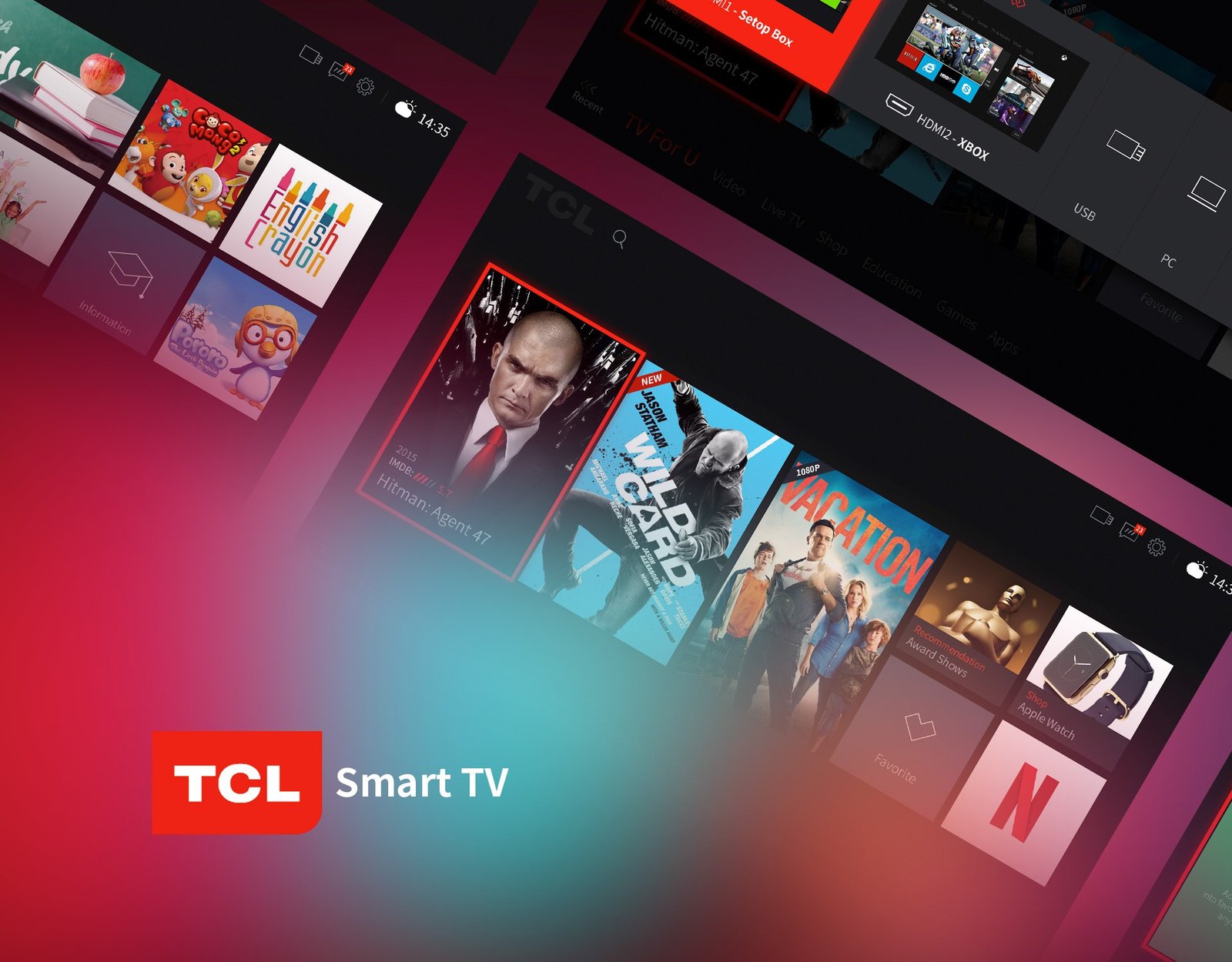
More than
a place to
press play.
Two markets. A holistic television experience, from hardware to software.
In 2015–2016, I was responsible for the television product experience within an international design team of seven at TCL. We developed two design systems: one for China and another for markets outside China, informed by competitor research.
We worked closely with TCL’s native Android developers and industrial design team, bringing the physical product and on-screen experience together.
At TCL Multimedia, my Smart TV UX work was showcased at IFA Berlin and received a Red Dot Award. This page presents the original design artefacts from that work.
Television product experience.
I was responsible for creating the television experience and contributing to the design systems for China and international markets.
Seven people. Shared perspective.
Our team included two Russian designers, two Italian designers, two Chinese designers, and me as the Indian designer.
Hardware meets software.
I worked with native Android developers and the industrial design team to shape a holistic product experience across the television’s hardware and software.
A featured moment.
Large content tiles anchor the screen, with smaller destinations arranged around them.
A red line to follow.
A strong outline identifies the focused tile against the dark interface.
A consistent way through.
A bottom navigation row connects the content categories across screens.
One system.
Different worlds.
Choose a section to inspect the original interface. Open any screen at full resolution for the finer details.
A starting point for the whole TV.
The home composition combines a large featured tile with recommendations, apps, collection, and history. A persistent navigation row connects the different content areas.
Before the
content,
the framework.
The wireframes expose the structure beneath the visual treatment.
Large and small content regions, persistent controls, and category navigation appear before the final imagery. The layouts explore how the system can accommodate different kinds of content within a shared framework.
The original wireframes are shown below in their archived red-on-dark presentation.
Small details.
A shared language.
Iconography, card types, and system controls form the recurring vocabulary of the interface.
Recognisable at a glance.
A consistent line style connects category icons, device sources, and utility functions.
Different content. Related forms.
Movie, app, and external-input cards share a visual structure, with selection expressed through a red frame.
A route to
the right source.
The original control studies show a focused top-bar action and a source menu, including HDMI, USB, PC, and AV connections.